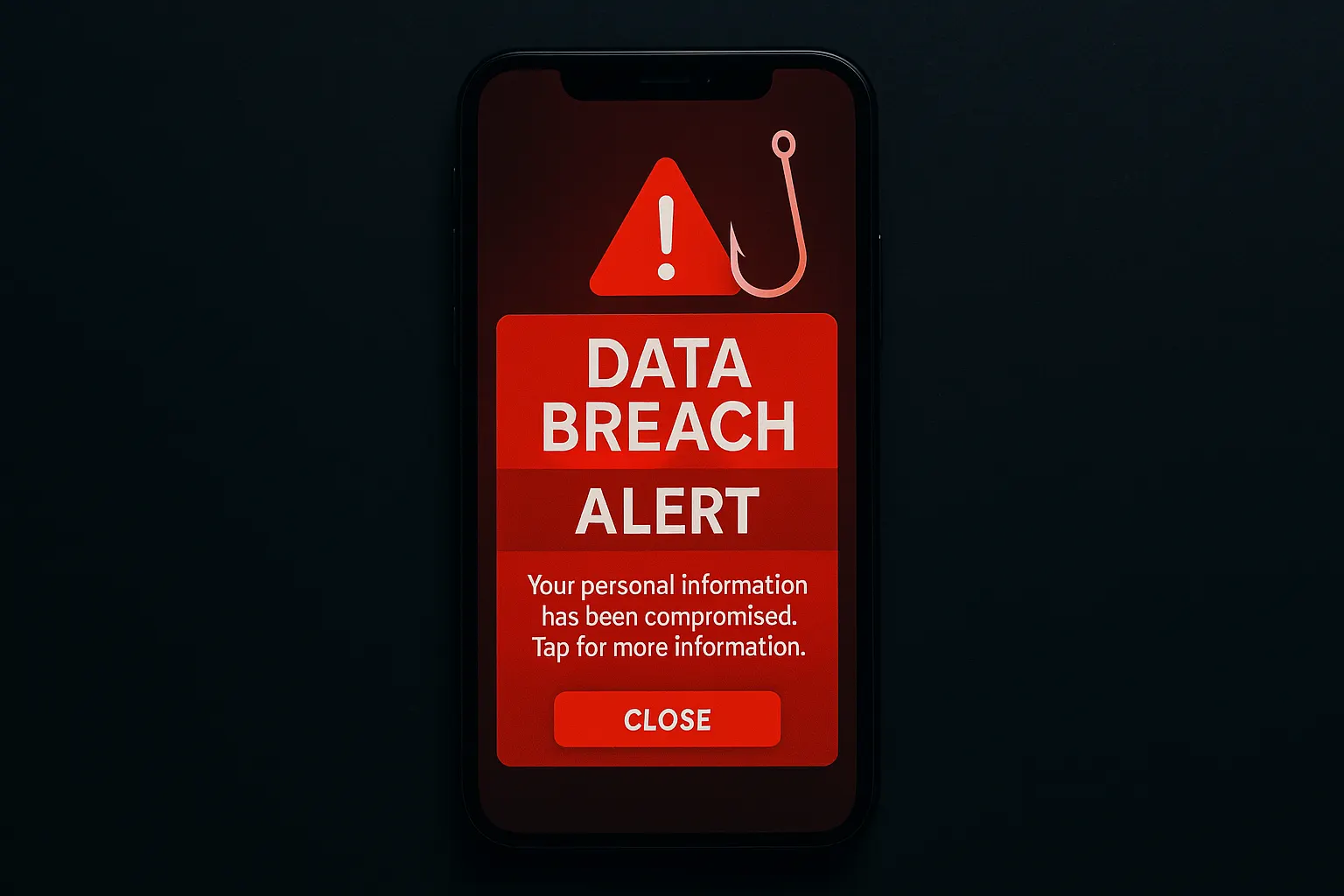
You get a text message: “URGENT: Your personal data was exposed in a recent security breach. Click here to protect your account immediately.”
Your stomach drops. You’ve been hearing about data breaches in the news lately — just last week you saw a story about a major company leaking nearly a million records. So this feels real. You click the link.
That click may have just handed a scammer exactly what they were after.
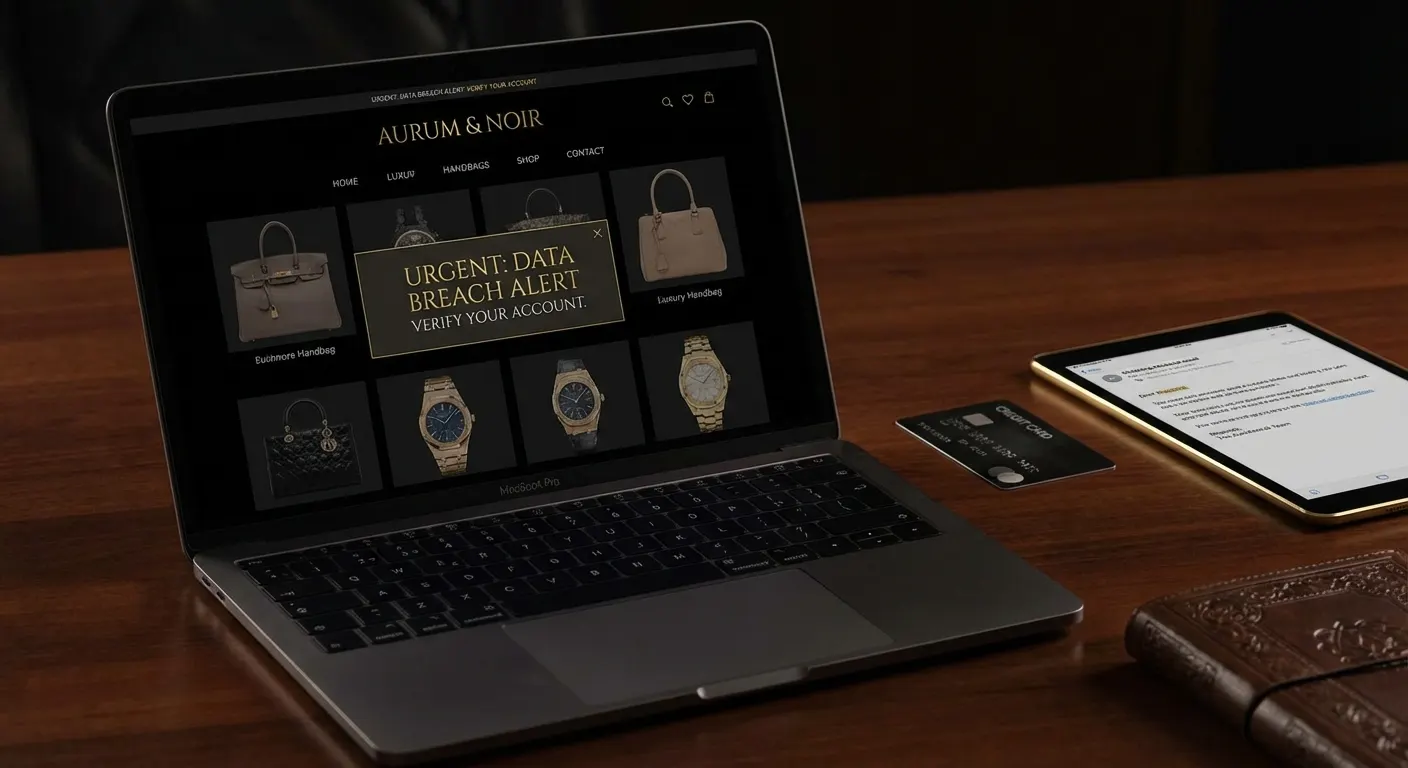
Cybersecurity experts are raising alarms about a disturbing new twist in the phishing playbook: scammers are now disguising their attacks as data breach notifications. The very message warning you that your data was stolen might itself be the first step in stealing it. As The Hill reported in March 2026, a message saying “Your data has been breached” could actually be “the first phase of a popular scam.”
Here’s what you need to know.
The Scam Explained
Traditional phishing scams have gotten harder to pull off. People are wising up to emails from “Nigerian princes” and fake lottery wins. So scammers have evolved — and few lures are more emotionally powerful than telling someone their personal information has been compromised.
The mechanics are straightforward but effective:
- Scammers monitor real breach news. When a genuine data breach makes headlines, criminals quickly craft fake alerts mimicking the real notifications from that company.
- They blast messages via text, email, or social media. The messages look official — complete with company logos, urgent language, and plausible-sounding details.
- The link goes to a fake login page or “verification” form. You’re asked to “confirm your identity” or “secure your account” by entering your email, password, Social Security number, or credit card.
- You’ve now given the scammer exactly what they claimed to be protecting you from.
The emotional hook is powerful because it exploits genuine fear. Real breaches really are happening — constantly. The scammer doesn’t need to invent a threat from nothing; they just need to ride the coattails of one that already exists.
Red Flags to Watch For
Not every breach notification is fake — but here’s how to spot the ones that are:
- Unsolicited texts or social media messages. Legitimate breach notifications typically come via email to the address you registered with the service, not out-of-the-blue texts.
- Urgent pressure to “act now.” Real security teams don’t give you 24-hour ultimatums. Scammers use artificial urgency to stop you from thinking clearly.
- Links that don’t match the real company’s domain. Look carefully —
aura-security-alert.comis notaura.com. Even one extra character or a hyphen is a red flag. - Requests for sensitive information. No legitimate company needs your password, full SSN, or credit card number to notify you about a breach. They already have your account.
- Spelling errors and generic greetings. “Dear Valued Customer” instead of your actual name, or grammatical oddities, are classic phishing tells — though AI-generated scam messages are getting much cleaner.
- Attachments in “breach notifications.” A real company will never email you an attachment to “fix” your account. Attachments are almost always malware.
- Pressure to call a phone number. Some scams skip the fake website entirely and route you to a fraudulent call center where a “representative” walks you through surrendering your information.
The Real Aura Breach: Why This Matters Right Now
To understand why this scam is so dangerous right now, consider what happened with Aura — ironically, a company that sells identity protection services.
On March 18, 2026, Aura disclosed that a targeted voice phishing (vishing) attack against one of its employees allowed unauthorized access to its marketing database. The result: approximately 900,000 contact records exposed, including names and email addresses, as reported by Help Net Security and BleepingComputer.
Here’s the cruel irony — and the scammer’s opportunity: hundreds of thousands of people who signed up for an identity protection service are now receiving real breach notifications from Aura. Scammers know this. They will (and almost certainly already are) sending fake “Aura data breach alerts” to cast a wide net, knowing that some recipients are actual Aura customers who are primed to believe the message.
If you’re an Aura customer, you may receive a real notification from Aura and a fake one designed to impersonate it. Knowing how to tell the difference isn’t optional — it’s essential.
What Legitimate Breach Notices Look Like
Real data breach notifications have a specific character. Here’s what you can expect from a company that’s doing it right:
- They come to your registered email address — the one you actually used to sign up, not a random phone number.
- They tell you what was exposed — names, emails, phone numbers, etc. — without asking you to “verify” anything.
- They do not include links asking you to log in. Instead, they instruct you to go directly to the company’s website by typing the address into your browser.
- They don’t ask for passwords, SSNs, or payment info. Ever.
- They offer specific next steps, like credit monitoring enrollment, password resets, or information about free protective services.
- They come from a domain you recognize, like
@aura.com, not@aura-breach-support.net. - They may include a reference number or specific details about your account that a random scammer wouldn’t know.
If a “breach notification” you received doesn’t look like this, treat it with serious skepticism.
What To Do If You Receive One
Got a message claiming your data was breached? Don’t panic — and don’t click anything. Here’s your game plan:
- Do not click any links in the message. Not even to “check if it’s real.”
- Do not call any phone number provided in the message. Look up the company’s official number independently.
- Go directly to the company’s official website by typing the URL yourself or using a bookmarked link.
- Log in to your account directly and look for any official security notices in your account dashboard or notification center.
- Search the company name + “data breach” in a news search to see if a real breach has been reported by credible outlets.
- Report the suspicious message to the FTC at reportfraud.ftc.gov or forward phishing texts to 7726 (SPAM).
- Delete the message after reporting it.
If you already clicked a link and entered information, act fast:
- Change the password for that account and any others where you use the same password.
- Enable two-factor authentication on critical accounts (email, banking, health records).
- Place a fraud alert or credit freeze at all three major credit bureaus (Equifax, Experian, TransUnion).
- Monitor your bank accounts and credit reports closely for unusual activity.
How To Actually Check If You Were Breached
Rather than waiting for (potentially fake) notifications, take the verification into your own hands:
- HaveIBeenPwned.com — Enter your email address to see if it’s appeared in known data breaches. Free, reputable, and run by security researcher Troy Hunt.
- Your credit card or bank’s fraud monitoring tools — Most major banks offer real-time alerts for suspicious transactions.
- AnnualCreditReport.com — Check your credit reports for accounts or inquiries you don’t recognize.
- Identity protection services (irony noted) — Services like Aura, LifeLock, or Credit Karma include breach monitoring, but vet any notifications you receive from them using the tips above.
- Google your email address — Occasionally breach data surfaces in public pastes or forums that get indexed.
The bottom line: you should initiate the verification, not a message that landed in your inbox.
✅ Protect Yourself: The Quick Checklist
Keep this list handy the next time you receive a message claiming your data was breached:
- Don’t click. Close the message and go to the company’s site directly.
- Check the sender’s domain for subtle misspellings or extra characters.
- Search for real news about the claimed breach before acting on anything.
- Never enter your password or SSN in response to an unsolicited alert.
- Enable two-factor authentication on all accounts that support it.
- Use a password manager so every account has a unique password — breach damage is then contained to one site.
- Freeze your credit if you’re not actively applying for credit. It’s free and is the single most powerful identity theft defense available.
- Report suspicious messages to the FTC or your country’s consumer protection agency.
- Verify breaches independently at HaveIBeenPwned.com rather than relying on unsolicited messages.
The scammers have figured out that nothing gets people to click faster than fear. And nothing is scarier than hearing your personal information is already out there. But that fear is the weapon — and understanding how it’s being used against you is your best defense.
When “your data was breached” message shows up, the safest first move is always the same: slow down, close the message, and verify on your own terms.
Stay skeptical. Stay safe.
Sources: The Hill (March 2026), Help Net Security (March 19, 2026), BleepingComputer (March 2026), CyberInsider (March 2026)