The Scan That Can Empty Your Bank Account
You pull into a parking lot, spot the QR code on the meter, and scan it with your phone. It looks like the city’s payment app. You type in your card number. You have just handed your financial information to a criminal.
This scenario is playing out thousands of times a day across the United States, the United Kingdom, Australia, and beyond. And according to new data from Microsoft, 2026 is the worst year on record for this particular type of scam.
Microsoft’s security team analyzed 8.3 billion email-based phishing threats in Q1 2026 alone — and buried inside that staggering number was a trend that demands your attention: QR code phishing surged 146% in a single quarter.
What Is Quishing?
“Quishing” is a portmanteau of “QR code” and “phishing.” It describes any scam in which an attacker uses a fraudulent QR code to redirect a victim to a malicious website — one designed to steal login credentials, capture credit card numbers, install malware, or harvest personal information.
The concept is simple but the threat is serious: QR codes are now so ubiquitous that most people scan them without a second thought. Menus. Parking meters. Package delivery notices. Event check-ins. Business cards. Payment terminals. Everywhere you look, there is a QR code — and not all of them lead where they claim to.
What Microsoft Found: The Numbers Behind the Surge
On April 30, 2026, Microsoft published its Q1 2026 Email Threat Landscape report, drawing on data from across its email security infrastructure. Within the broader flood of phishing, QR code attacks stood out as the fastest-growing category:
- January 2026: Microsoft blocked 7.6 million QR phishing attacks
- March 2026: That number hit 18.7 million — a 146% increase in 90 days
- PDF-delivered QR codes accounted for 70% of all QR phishing volume by March, up from 65% in January
- QR codes embedded directly in email bodies surged 336% in March alone, accounting for 5% of total volume
The 336% jump in embedded QR codes is particularly significant. It means attackers are eliminating the attachment entirely — the code is just sitting there in the email body, waiting to be scanned.
Why Quishing Bypasses Your Security
Here is why this attack vector is growing so rapidly: it works around nearly every traditional email security tool in use today.
Standard email security filters are built to scan URLs and attachments for known malicious signatures. A QR code embedded in a PDF or image is, from the filter’s perspective, just a picture. The malicious URL hidden inside the QR code is invisible to automated scanners unless the system has specifically been built to decode QR images — which most corporate and consumer email providers have not fully implemented at scale.
There is a second problem: when you scan a QR code with your phone, you are moving the threat from your desktop environment (which may be protected by corporate security tools, firewalls, or endpoint protection) to your personal mobile device, which almost certainly is not. The attacker has successfully routed around every enterprise security control your employer put in place.
The New Attack Vectors: Beyond the Inbox
While Microsoft’s data focuses on email-delivered quishing, the attack has expanded well beyond your inbox. Criminals are now placing fraudulent QR codes in the physical world — and these attacks require no email access at all.
Fake QR Stickers on Parking Meters
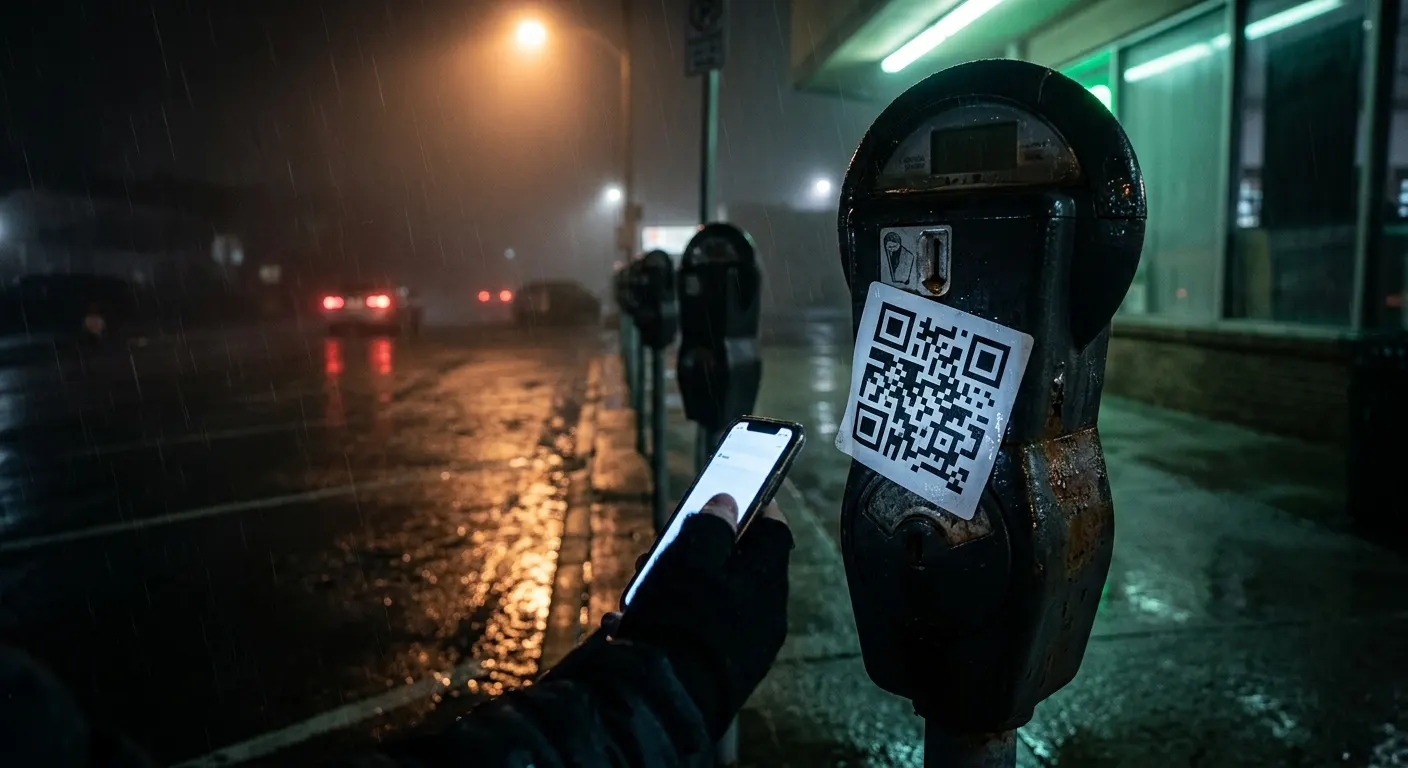
This is the most widely reported physical quishing attack of 2026. Criminals print professional-looking QR code stickers and paste them directly over the legitimate QR codes on parking meters and pay stations. The fake code redirects to a spoofed payment page that looks nearly identical to the city’s official parking app. Victims enter their credit card details. The attacker captures them.
Multiple cities across the US and UK have documented this attack. Local authorities in the United Kingdom warned in early 2026 that parking meter quishing had become prevalent enough that scanning any QR code on a parking meter should be treated with suspicion.
Restaurant Tables and Retail Payment Points
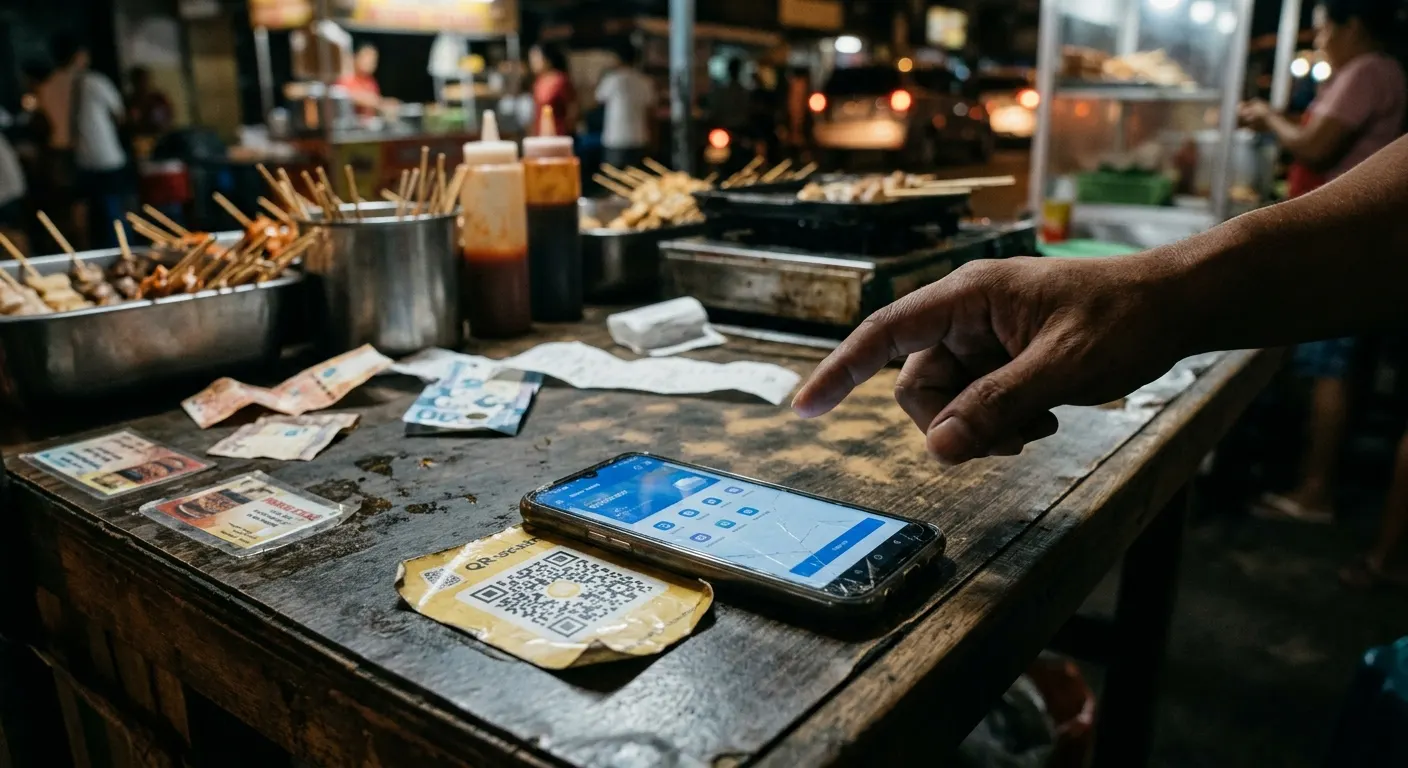
Criminals place fake stickers over legitimate table-top QR codes in busy restaurants and food courts. In retail environments, they paste fraudulent codes over genuine ones at self-checkout kiosks and payment terminals.
EV Charging Stations and Bike-Share Kiosks
Electric vehicle chargers and public bike-share stations are emerging targets. Attackers print and attach fake QR codes to EV charging units, directing drivers to fraudulent payment pages that harvest card data while the charge either fails or appears to begin.
Package Delivery and Shipping Notices
Some quishing campaigns involve fake package delivery notices — either physical slips left at your door or emails with QR codes claiming to be from UPS, FedEx, or USPS. Scanning the code takes you to a fake tracking page that asks for personal information or a small “redelivery fee,” capturing your payment credentials.
The AI Factor: Smarter QR Codes, Harder to Spot
The 2026 quishing surge has an additional accelerant: AI-generated QR code content. Attackers are using AI tools to generate more convincing fake landing pages, randomize QR code patterns to evade signature-based scanners, and rapidly create new phishing infrastructure as old domains get blocked.
How to Scan QR Codes Safely in 2026
The good news is that protecting yourself from quishing does not require technical expertise. It requires a brief pause before you point your camera.
Before You Scan
Physically inspect the QR code. If a QR code looks like a sticker placed on top of another surface — especially on a parking meter, restaurant table, poster, or public kiosk — treat it with suspicion. Legitimate QR codes are typically printed directly on the material, not applied as an adhesive overlay. Run your fingernail along the edge: if it peels or lifts, do not scan it.
Question why a QR code is there. If you are being asked to scan a QR code to make a payment in an unexpected location, consider whether that is how this business or service normally operates. Most city parking payment systems also have phone numbers, apps, or card readers as alternatives.
When You Scan
Use a QR scanner that previews the URL before opening it. Many modern smartphones now show you the destination URL before your browser opens. Read it carefully before tapping “Open.” Look for misspellings, extra characters, or unusual domain endings.
Do not enter payment information on a page you reached via QR code unless you are certain of the source. Type the business or service’s URL directly into your browser instead.
Do not scan QR codes in unsolicited emails. If an email from a company you do not recognize — or even one you do — contains a QR code and asks you to scan it urgently, go directly to the company’s website instead.
On Your Devices
Keep your phone’s operating system updated. Security patches close vulnerabilities that malicious websites attempt to exploit when you land on them.
Consider a mobile security app. Products like Malwarebytes, Bitdefender Mobile Security, or Norton Mobile Security can flag malicious URLs even on your phone.
What to Do If You’ve Been Quished
If you believe you scanned a malicious QR code and entered sensitive information:
- Change passwords immediately for any accounts associated with information you entered
- Contact your bank or card issuer right away if you entered payment information — request a new card number and dispute any unauthorized charges
- Monitor your accounts closely for the next 30–90 days
- Report the fraudulent QR code to the FBI’s Internet Crime Complaint Center at ic3.gov
- If the QR code was on a physical surface, notify the business or local authority so the sticker can be removed and others warned
The Bottom Line
Quishing is not a niche cybersecurity concern for IT departments. It is a mainstream consumer threat that is happening on the sidewalk outside your local coffee shop. The 146% surge Microsoft documented in just three months of 2026 tells you everything about which direction this is heading.
The habit to build is simple: look before you scan. A two-second check of a QR code’s physical placement, and a glance at the URL preview before you open it, is all that stands between you and handing a criminal your payment details or your login credentials.
Scan with skepticism. Pay directly. And if the QR code is a sticker on a parking meter — find another way to pay.