If one of the most prominent tech CEOs on the planet — a man who literally co-founded the software that powers 43% of the internet — can admit he was this close to falling for a phishing scam, what chance does your average iPhone user have?
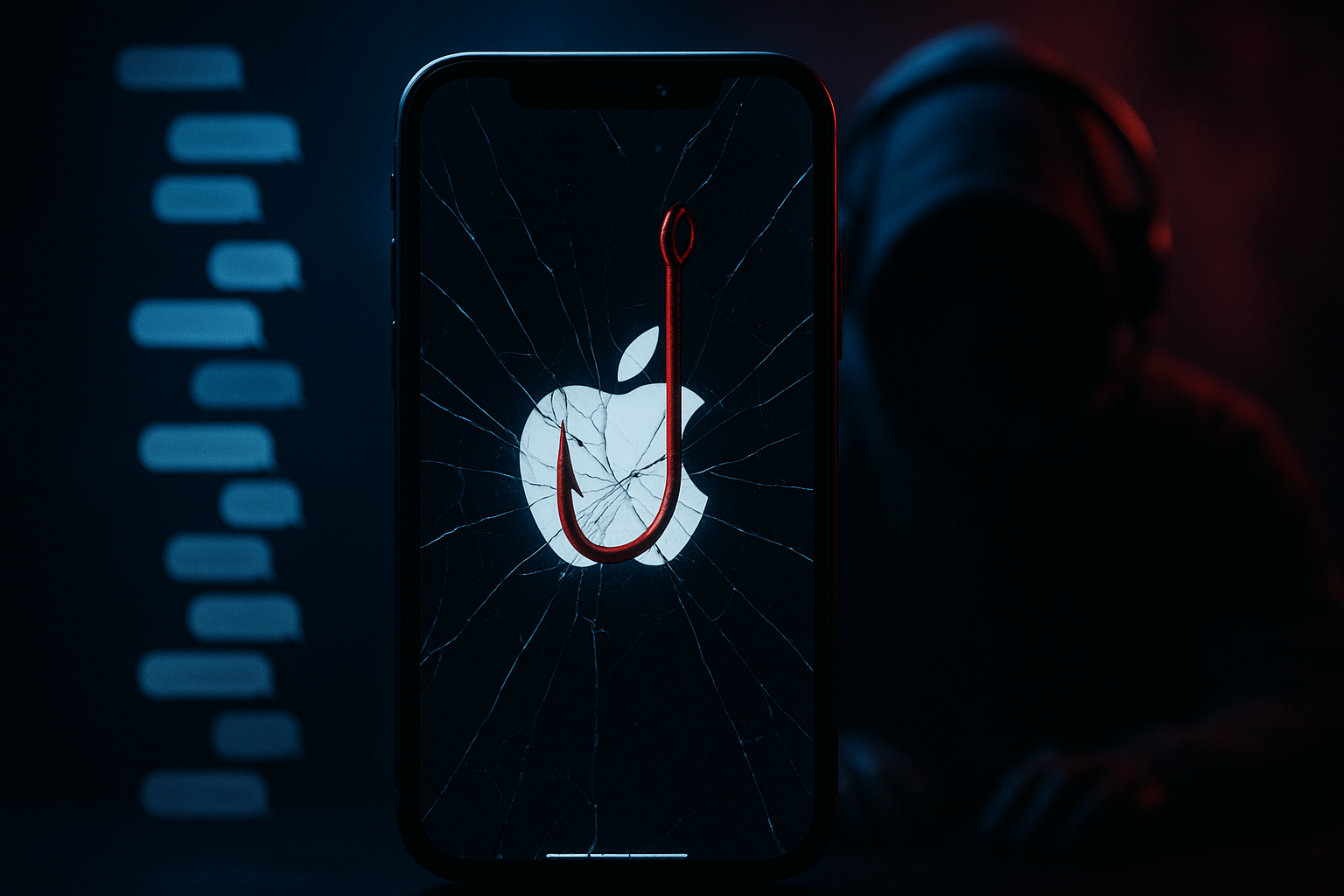
In early March 2026, Matt Mullenweg, co-founder of WordPress and CEO of Automattic, published a candid blog post titled “Gone (Almost) Phishin’” detailing a frighteningly sophisticated attack against his Apple account. He didn’t just write about it. He recorded part of the actual scam call. The audio — later turned into a YouTube video by Jamie Marsland — lets you hear exactly how smooth, professional, and dangerously convincing the scammer was.
“This is a little embarrassing to share,” Mullenweg wrote, “but I’d rather someone else be able to spot a dangerous scam before they fall for it.”
It shouldn’t be embarrassing. It should be terrifying — for all of us.
The Attack: A Four-Stage Operation
What hit Mullenweg wasn’t some sloppy phishing email riddled with typos. This was a coordinated, multi-stage social engineering operation that weaponized Apple’s own systems against him. Let’s break down exactly how it worked, stage by stage.
Stage 1: MFA Fatigue Bombing — Drowning in Password Reset Prompts
One evening, every Apple device Mullenweg owned — his iPhone, Apple Watch, and Mac — simultaneously lit up with system-level prompts asking him to reset his Apple ID password. These weren’t emails. They weren’t text messages. They were native Apple system notifications, the kind that take over your screen and won’t go away until you tap “Allow” or “Don’t Allow.”
He hadn’t requested any of them.
This technique is called MFA fatigue (also known as “push bombing” or “MFA bombing”), and it’s been plaguing Apple users since at least 2024, when security journalist Brian Krebs first documented it extensively. Attackers abuse Apple’s legitimate password reset flow, flooding a target’s devices with dozens — sometimes hundreds — of password reset notifications in rapid succession.
The goal is simple but diabolically effective: overwhelm the victim until they either:
- Accidentally tap “Allow” while trying to dismiss the notifications (especially easy on an Apple Watch with its tiny screen)
- Intentionally tap “Allow” just to make the notifications stop — the digital equivalent of a hostage negotiation where your phone is the hostage
- Get rattled enough that when the “helpful” phone call comes next, they’re primed to accept help
Mullenweg did exactly the right thing: he dismissed every single prompt. But dismissing the prompts was only step one. The attackers were just getting started.
Here’s what makes this particularly insidious: even Apple’s Lockdown Mode didn’t stop it. Mullenweg had Lockdown Mode enabled on all his devices — Apple’s most aggressive security setting, designed for people at risk of sophisticated cyberattacks. It didn’t matter. The password reset flow is a core system function, and Lockdown Mode can’t block legitimate Apple infrastructure from sending legitimate system prompts.
Stage 2: Social Engineering Apple Itself — Creating a Real Support Case
This is where the attack went from “clever” to “genuinely brilliant and deeply unsettling.”
After the MFA bombing softened up their target, the scammers did something most phishing attacks never attempt: they called Apple Support, pretending to be Mullenweg.
They told Apple they’d lost their phone and needed to update the phone number on the account. Apple’s support system — designed to help users recover accounts, not to verify who’s actually calling — did exactly what it was designed to do. It opened a real support case, generated a real case ID, and sent real emails to Mullenweg’s inbox.
Read that again. The emails that landed in Mullenweg’s inbox were:
- Sent from Apple’s actual mail servers
- Properly signed with Apple’s email authentication (DKIM/SPF)
- Contained a legitimate Apple case ID
- Would pass every spam filter and email security tool on earth
Because they were legitimate. Apple’s systems generated them in response to what appeared to be a legitimate support request. No phishing filter, no AI-powered email security tool, no amount of “check the sender address” advice would have flagged these emails as suspicious — because they weren’t. They were real Apple emails triggered by a fake request.
As John Gruber noted on Daring Fireball: “What makes this attack so dastardly is that parts of it are actual emails from Apple. And because the attackers are the ones who opened the support incident, when they called Mullenweg, they knew the case ID from the legitimate emails sent by Apple.”
This represents a fundamental shift in phishing tactics. Scammers aren’t just getting better at faking legitimate communications. They’re getting better at generating real ones.
Stage 3: The Phone Call — “Alexander from Apple Support”
Then the phone rang.
“Alexander from Apple Support” was on the line. The caller was calm, professional, and knowledgeable. His caller ID likely showed Apple’s real support number (1-800-275-2273) — a trivially easy feat thanks to caller ID spoofing, which remains absurdly simple in 2026 despite years of promises from telecom companies to fix it.
But here’s what set “Alexander” apart from your typical tech support scammer: he didn’t rush to the attack. He didn’t immediately ask for passwords or verification codes. Instead, his first moves were textbook-perfect security advice:
- Check your Apple account settings
- Verify nothing has been changed
- Consider updating your password
This was deliberate. By offering genuine, helpful security guidance first, “Alexander” was building trust and establishing credibility. He wasn’t just pretending to be Apple Support. He was performing the role of Apple Support — and doing it well enough that Mullenweg, a lifelong technologist, actually thanked him for being excellent at his job.
“He was so good that I actually thanked him for being excellent at his job,” Mullenweg wrote. And Mullenweg is not a naive user. He’s a developer. He runs a company with thousands of employees. He had Lockdown Mode enabled. He’d just dismissed a hundred password reset prompts because he knew something was off.
But good social engineering doesn’t target your ignorance. It targets your trust, your desire to be helpful, your relief when someone competent seems to be fixing a scary problem.
Stage 4: The Phishing Page — Pixel-Perfect Theater
Once “Alexander” felt his target was sufficiently at ease, he moved to the kill shot.
He texted Mullenweg a link to “review and cancel the pending request.” The URL pointed to audit-apple.com — a domain that looks reasonable enough to someone who doesn’t understand how domain names work. (Quick lesson: audit-apple.com is a completely separate website from apple.com. But audit.apple.com — with the dot before “apple” — would be a legitimate Apple subdomain. That single dot makes all the difference, and most people have no idea.)
The phishing page was a masterpiece of digital deception:
- Pixel-perfect replica of Apple’s support interface
- Displayed the exact case ID from the real Apple emails Mullenweg had just received
- Included a fake chat transcript of the scammers’ own conversation with Apple — repackaged as “evidence” of the attack against Mullenweg’s account
- Featured a “Sign in with Apple” button — the final trap designed to harvest his credentials
Think about the layers of psychological manipulation at work here. You’ve just been hit with a barrage of password reset notifications (real, from Apple). You received emails about a support case (real, from Apple). A professional support agent called you with the right case ID and gave you solid advice. And now the webpage shows a chat transcript “proving” someone tried to attack your account — which lines up with everything you just experienced.
Everything about this experience screams “legitimate” — because parts of it literally were legitimate.
The Moment It Fell Apart
But Mullenweg’s instincts — honed by decades of building software and dealing with security threats — saved him. He started poking at the phishing page and noticed something crucial:
He could enter any case ID and get the same result.
Nothing was being validated on the backend. The page wasn’t actually looking up real Apple cases. It was a static facade designed to display whatever case ID was fed to it, making it look personalized when it was actually one-size-fits-all.
“This is really good,” Mullenweg told “Alexander” on the phone. “This is obviously phishing. So tell me about the scam.”
Silence. Click.
The scammer hung up immediately. No denial, no attempt to salvage the con — just a dead line. That silence speaks volumes about how these operations work. The moment a target demonstrates awareness, there’s no point continuing. On to the next victim.
The Recording: Hear It for Yourself
Here’s what makes Mullenweg’s story uniquely valuable for the rest of us: once he suspected what was happening, he started recording the call. He captured a significant portion of his conversation with “Alexander,” and with the help of Jamie Marsland, that recording was turned into a YouTube video that’s been viewed widely since its publication.
Listening to the recording is genuinely chilling. “Alexander” doesn’t sound like the stereotypical scammer. There’s no robotic script-reading, no heavy accent being stereotyped, no obvious pressure tactics. He sounds like… a good customer support agent. The kind you’d rate 5 stars on a post-call survey.
That’s the whole point. Modern social engineering has moved far beyond the “Nigerian prince” era. Today’s attackers study their targets, rehearse their scripts, and perform their roles with the polish of trained professionals. Some of them likely are former support agents, recruited (willingly or not) into scam operations that leverage their customer service skills for criminal purposes.
Mullenweg shared the recording specifically so others could hear what a real phishing call sounds like. “I’d rather someone else be able to spot a dangerous scam before they fall for it,” he wrote.
Why This Attack Matters Beyond Matt Mullenweg
You might be thinking: “Sure, this is scary, but attackers went to a lot of trouble for one specific target. I’m not a tech CEO. Why would anyone do this to me?”
Fair question. And the answer might not comfort you.
The Economics Are Shifting
According to iDropNews’ coverage, these targeted attacks typically go after specific individuals rather than mass-phishing millions of email addresses. That’s true — for now. But the techniques Mullenweg documented are fully automatable:
- MFA fatigue bombing can be scripted and run at scale
- Opening Apple support cases can be done via phone or chat with minimal human effort
- Phishing page templates are easy to replicate and deploy
- Caller ID spoofing services cost pennies per call
- AI voice technology is rapidly approaching the point where a single operator could run dozens of simultaneous “Alexander” conversations
What hit Mullenweg as a bespoke, hand-crafted attack in March 2026 could be a mass-market operation by the end of the year. The playbook is now public. The recording is on YouTube. Every aspiring scammer on the planet just got a masterclass in advanced phishing.
MFA Fatigue Is a Growing Epidemic
The Mullenweg attack didn’t happen in a vacuum. MFA fatigue attacks have been on a sharp upward trajectory:
- 2024: Brian Krebs documented the first wave of Apple-specific MFA bombing attacks, including the case of entrepreneur Parth Patel, who received over 100 password reset notifications in a single barrage
- 2025: The Verizon Data Breach Investigations Report found MFA fatigue appearing in 14% of analyzed security incidents, making it the dominant MFA bypass method
- 2026: Managed Services Journal reported that MFA fatigue has become “common” across enterprise and consumer environments, with attackers developing increasingly reliable methods to exploit it
- March 2026: The Mullenweg attack demonstrates the technique being combined with real support case generation and professional vishing (voice phishing) in what security podcast Smashing Security called “chillingly clever”
The uncomfortable truth is that MFA — long considered a gold standard of account security — has a fundamental design weakness. When the second factor relies on a human being making a decision (“Allow” or “Don’t Allow”), that human becomes the vulnerability. And humans get tired, distracted, frustrated, and tricked.
Apple’s Blind Spot
There’s a legitimate question about Apple’s role in enabling this attack. The scammers were able to:
- Abuse Apple’s password reset flow to bombard a user with system-level notifications — a known issue since at least 2024 that Apple has reportedly been slow to address with rate limiting
- Call Apple Support pretending to be someone else and have Apple generate real emails to the victim — raising serious questions about identity verification in support interactions
- Exploit the trust users place in Apple’s brand by leveraging legitimate Apple infrastructure as a weapon
As Gruber noted, Apple’s support system “was designed to help users recover accounts, not verify the identity of callers.” That gap gave attackers room to build an incredibly convincing social engineering attack without needing any advanced technical exploits.
Apple has stated clearly that they will never initiate outbound calls to customers unless the customer requests a callback. But that policy is buried in support documentation most people never read. And when your devices are under siege from password reset notifications and you receive a call from what appears to be Apple’s real phone number… how many people would think to verify that policy before answering?
How to Protect Yourself: Practical Steps
Based on Mullenweg’s experience and guidance from security researchers, here’s what you need to know and do:
1. Never Approve Unexpected Password Reset Prompts
If your devices suddenly start showing password reset notifications you didn’t request, hit “Don’t Allow” on every single one. Don’t panic. Don’t rush. And definitely don’t tap “Allow” just to make them stop.
After dismissing them all, go directly to your Apple ID settings (Settings → [Your Name] at the top of Settings on iPhone, or appleid.apple.com on a browser) and change your password yourself, on your own terms.
2. Apple Will Never Call You First
This is Apple’s own stated policy, and it’s the single most important thing to remember: Apple does not make unsolicited outbound calls to customers. If you receive a call claiming to be from Apple Support that you didn’t specifically request, it’s a scam. Period. No exceptions.
If you’re worried something might actually be wrong, hang up and call Apple yourself at 1-800-275-2273 or through the Apple Support app.
3. Learn How Domain Names Actually Work
The difference between audit-apple.com (a scam domain anyone can register) and support.apple.com (a legitimate Apple subdomain) is the difference between losing your account and keeping it. Here’s the rule:
- Legitimate: Anything ending in
.apple.com(likesupport.apple.com,getsupport.apple.com,appleid.apple.com) - Scam: Anything with “apple” in it that doesn’t end with
.apple.com(likeaudit-apple.com,apple-support.com,apple-verify.net)
Look at what comes immediately before the .com (or .net, .org, etc.). That’s the actual domain. Everything before the last dot in that domain is a subdomain. The domain audit-apple.com is owned by whoever registered “audit-apple” — it has nothing to do with Apple.
4. Enable a Recovery Key
Apple allows you to set up a recovery key — a randomly generated code that adds an extra layer of protection to your account. With a recovery key enabled, even if an attacker somehow gets your password, they can’t reset your account without the physical recovery key.
Store it somewhere safe offline — a password manager, a physical safe, or both.
5. Use a Hardware Security Key
For the highest level of protection, consider adding a hardware security key (like a YubiKey) to your Apple account. This is a physical device that must be present during sign-in, making remote account takeover essentially impossible. Apple has supported FIDO security keys for Apple accounts since iOS 16.3.
This is what “phishing-resistant MFA” actually looks like — the second factor isn’t a notification you can approve from your couch while half-asleep; it’s a physical object that an attacker would need to steal from your pocket.
6. Don’t Trust Caller ID
Caller ID spoofing is trivially easy and dirt cheap. A call that shows “Apple Support” or even Apple’s real phone number on your screen proves absolutely nothing. Treat every incoming call from a company the way you’d treat an unsigned email — assume it could be from anyone, and verify independently if it matters.
7. Review Your Apple Account Regularly
Make it a habit to periodically check:
- Trusted devices: Settings → [Your Name] → scroll down to see all devices signed into your account
- Trusted phone numbers: Settings → [Your Name] → Sign-In & Security
- App-specific passwords: appleid.apple.com → Sign-In & Security → App-Specific Passwords
- Account recovery contacts: Settings → [Your Name] → Sign-In & Security → Account Recovery
If anything looks unfamiliar, investigate immediately.
8. Be Skeptical of “Helpful” Strangers
The most dangerous moment in Mullenweg’s encounter wasn’t when the notifications started or when the phishing page appeared. It was when “Alexander” gave him good advice. Building trust through genuine helpfulness before pivoting to the attack is Social Engineering 101, and it works because we’re wired to reciprocate helpfulness with trust.
If someone contacts you unsolicited about a security issue — no matter how knowledgeable they seem — your default response should be suspicion, not gratitude.
The Bigger Picture: Social Engineering in 2026
The Mullenweg attack is a perfect case study in where phishing is headed. It’s not about fake emails anymore. It’s about orchestrating experiences — multi-channel, multi-stage operations that blend legitimate system behavior with social engineering to create a reality that’s almost impossible to distinguish from the real thing.
Consider what the attackers combined in a single operation:
- ✅ Real Apple system notifications (MFA fatigue)
- ✅ Real Apple support emails (generated by social engineering Apple’s own support team)
- ✅ Spoofed caller ID showing Apple’s real number
- ✅ Professional-quality phone conversation with genuine security advice
- ✅ Pixel-perfect phishing page with real case ID data
- ✅ Fake evidence (the chat transcript) that corroborated the cover story
Five out of six elements in this attack were either genuinely from Apple or indistinguishable from it. Only the phishing page URL (audit-apple.com) was a clear giveaway — and most people wouldn’t have caught it.
As AI voice cloning, deepfake technology, and automated social engineering tools continue to improve, these attacks will only get more convincing and more scalable. The days of telling people to “look for spelling errors” or “check the sender address” as their primary defense against phishing are over. We’re now in an era where the scam emails are real, the caller ID is legitimate, and the scammer sounds like the most competent support agent you’ve ever spoken to.
What Should Apple Do?
This attack exposes several gaps in Apple’s security infrastructure that deserve attention:
-
Rate-limit password reset requests: The ability to bombard a user with unlimited system-level notifications is a known issue dating back at least two years. Apple needs to implement aggressive rate limiting on password reset flows to prevent MFA fatigue attacks.
-
Strengthen identity verification in support interactions: The fact that scammers could call Apple Support, claim to be someone else, and have Apple generate real emails to the victim suggests a serious gap in how Apple verifies caller identity during support interactions.
-
Proactive user education: Apple’s “we’ll never call you first” policy is a strong defense — but only if users know about it. A brief notification or setup screen during iOS updates reminding users of this policy could save countless people from vishing attacks.
-
Consider STIR/SHAKEN enforcement: While this is largely a telecom industry issue, Apple could add caller verification information to its Phone app interface, helping users distinguish verified callers from spoofed ones.
The Uncomfortable Truth
Matt Mullenweg caught this scam because he’s a developer who’s been dealing with security threats for decades. He knew not to approve unexpected password reset requests. He was suspicious of unsolicited calls. He understood how domain names work. And even with all of that knowledge and Lockdown Mode enabled, he admitted the attack was “really good” and described his experience as an “almost-disaster.”
If a tech CEO with Lockdown Mode enabled on all his devices nearly fell for it, the rest of us are in serious trouble.
That’s not meant to scare you into helplessness. It’s meant to scare you into preparation. Read the recording transcript. Watch the video. Share this article with everyone who has an iPhone — which, statistically, is probably half the people you know.
Because the next time “Alexander from Apple Support” calls, it might be your number he dials.
If you’ve been targeted by a similar Apple ID phishing attack, report it to Apple at reportphishing@apple.com and to the FTC at ReportFraud.ftc.gov. If you accidentally shared your credentials, change your Apple ID password immediately at appleid.apple.com and enable a recovery key.